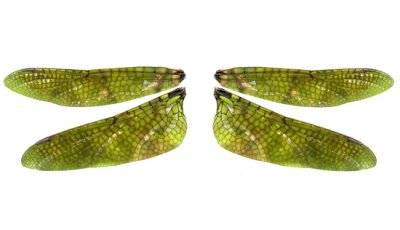
Once you have the wing cut out, use the “Rectangular Marquee Tool” and draw a box around the wings. Use the copy and paste commands to perfectly copy a duplicate set of wings on top of the first wings. Now right click on the top set of wings and choose “Free Transform, and left clicking on one edge of the wings fold it back over the first set to make two exact copies. Push the “Eraser Tool” and click “Apply” when you’re satisfied that you have the two sides even. This is how your image should look at this point.