Hi Carl,
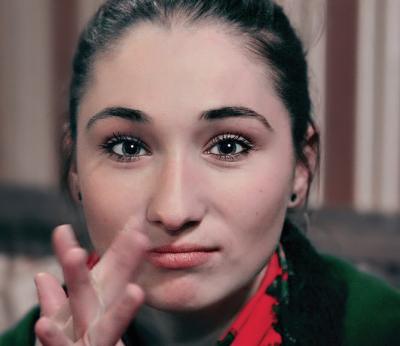
With extreme color casts, two tricks to try are: 1) Dupe the Background and use Match Color, just checking the Neutralize box. 2) Dupe the Background and use Filter>Blur>Average. Invert this (Ctrl+I). Then try different layer blending modes such as Overlay, Soft and Hard Light to see what works best. Vary the layer's opacity too. This can get you started in the right direction. Then you can try the eyedroppers in Levels or Curves, then use Hue/Sat, Selective Color, and Color Balance to tweak it more. Don't forget...you can paint in some nice skin color using a soft paint brush set at a low opacity and set to color mode.
Regards,
Bill
Carl Constantine
02-Aug-2006 07:02
Here's a good tutorial spot for how to remove that nasty color cast from the original to get a nice image like this.