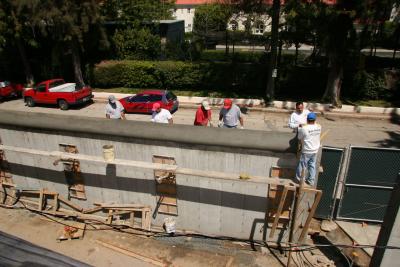
In order to view this picture properly, you need to understand how it was made. Since the threa mentions that the color from the phone picture is better, I wanted to apply that color to this picture as closely as possible.
First I took some measurements so I'd know how much to stretch and rotate the camera phone picture. I then pasted it as a new layer. Then I changed the blend mode to difference and moved the layer until it was as black as possible. Then I created a mask by selecting only that portion of the image that is the red cars in both layers (people are standing in front, blocking part of the view -- for that part of the image, there is no adjustment). Then I set blend mode to color.
So here you have an approximation of the Canon picture using the phone camera colors just for the cars. Please simply ignore the portions of the vehicle that look blue or grey, etc. Those are portions where the two pictures did not line up exactly or where something was blocking the car in only one picture.