


|
|
|
|
|
|
|
| Pekka Leppanen | profile | all galleries >> Apps >> Sailing Master M: Sailing performance | tree view | thumbnails | slideshow |
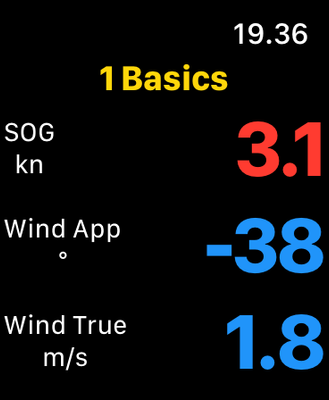
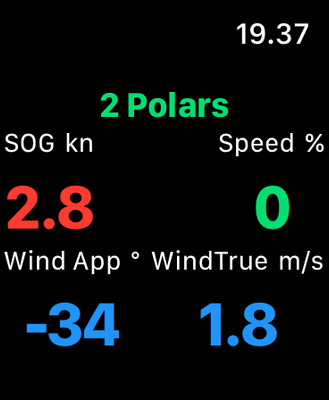
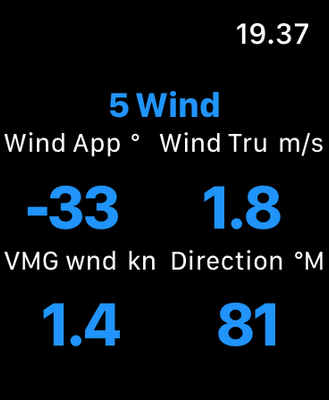
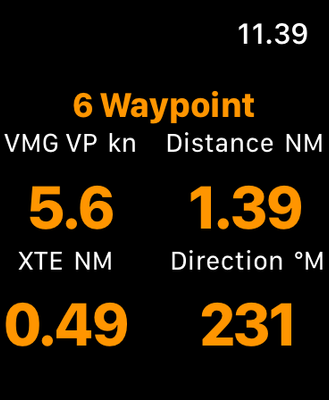
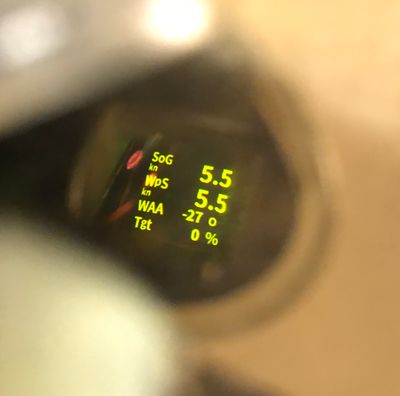
Sailing Master M (née Display0183M) offers comprehensive sailing data and performance optimization information on iPhones, iPads, iWatches and ActiveLook smart glasses. The application provides configurable pages and data displays, utilizing over 35 sailing measurements from the boat’s instruments, polars tables, and nautical charts.
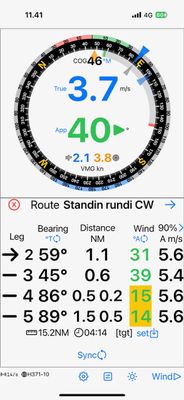
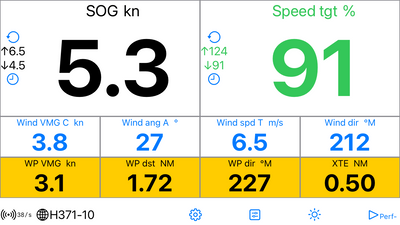
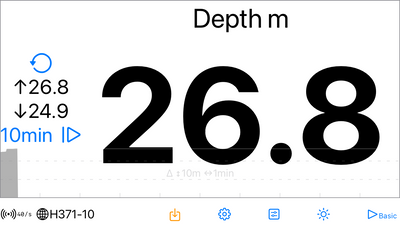
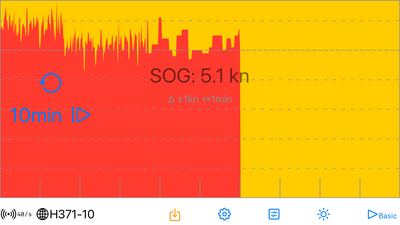
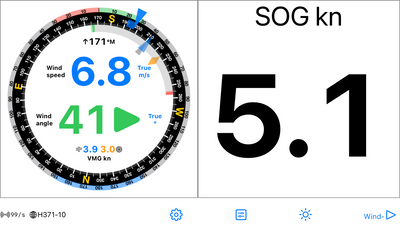
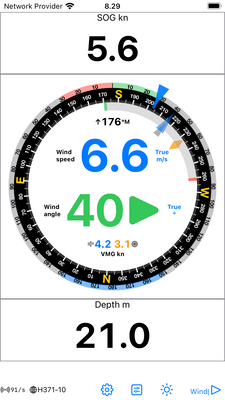
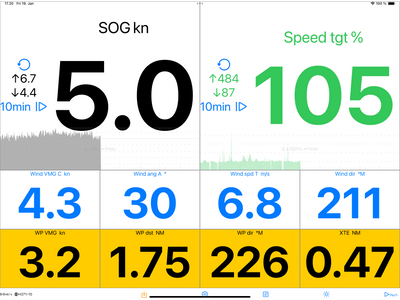
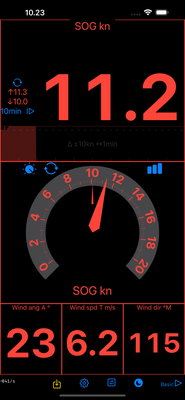
On phones and pads the Data and Analog Displays show any measurement, optionally with minimum and maximum values and time series graphs. The Wind Display provides wind, heading, route, and speed information. The presentation is in a hybrid analog and digital format, based on the sailing context: going upwind, downwind, or towards a waypoint, and enhanced by the polar data. The Route Display shows the expected wind conditions on the next legs. The Map Display shows the vessel with direction, tacking and downwind laylines on a nautical chart, or wind laylines on user selected location.
The connectivity is through NMEA 0813 Wi-Fi gateways such as B&G Vulcan, Zeus, GoFree, Yacht Devices, Signal K, Actisense, and ShipModul. The Map Display is based on OpenSeaMap.
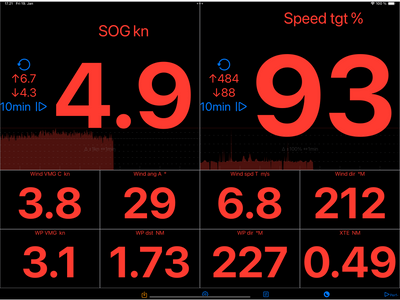
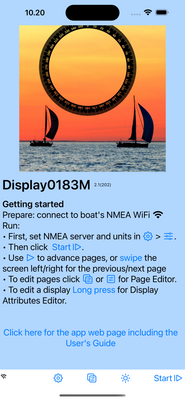
The screen copies below (click to open) provide some detail on the functionality. For more information check out the user's guide User's Guide. Get the iPhone and iPad app, which supports also Macs with Apple silicon, from the Apple App Store: Sailing Master M.
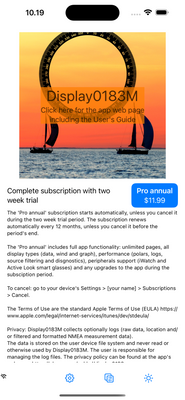
The app is delivered as recurring annual subscription (approximately 1€/$ per month), with a two week free trial, and runs on iOS 17 or later.
Summary
Fully configurable phone & pad Displays:
• Any number of pages, any number of rows on any page and any number of Displays on any row
• Any display type (Data, Analog Data, Wind, Graph, Route or Map) in any location, optionally filtered by sailing context: navigating, beating, whether polars are available or in shallow water.
• Automatic scaling. Displays adjust to screen: a single Display on a page fills the entire screen and all Displays on a page are fitted to the screen (limited by the smallest allowed text size). The Display sizes are relative to each other: XS is half of M, which half of XL.
• Page(s) Editor: change, add to or remove from the provided default pages or previous version’s converted pages.
• Display Attribute Editor: edit display type, data to displayed, coloring and filtering.
• Set alerts, logging etc.
On the app name change
The application has evolved from its initial focus on NMEA data display to encompass a comprehensive suite of features, including wind, tactical route optimization, and map displays. Additionally, it provides calculated performance and polars data. Consequently, the app’s name has been revised from Display0183M to Sailing Master M* to more accurately reflect its capabilities.
*Wikipedia: The master, or sailing master, is an historical rank for a naval warrant officer trained in and responsible for the navigation and ship handling of a sailing vessel.
Sailing Master M 2.6
• Measurements: if true wind speed, true wind angle, VMG wind, or wind direction are missing, these are calculated from apparent values, CoG, and SoG. If location is missing, optionally phone’s or pad’s location data is used. Short distances are displayed without decimals.
• Route: consistent leg starboard (green) or port (red) wind angle color when sailing deep downwind. Wind laylines are infinite.
• Waypoint ETE: negative values displayed as ‘---'.
• Trip and Session Statistics logs : when location and internet connection are available, the location is reverse geo-coded to location name, city, and country.
• NMEA hotspot recovery: attempts to reconnect every 10 s. Note that the possibly lost WiFi-connection must be corrected manually.
Internal optimizations
 Click to download
Privacy Policy
Sailing Master M generates an error and warning log, and optionally data logs (raw data, location, and/or filtered and formatted NMEA measurement data).
The logs are stored on the user device’s file system and are never read or otherwise utilized by Sailing Master M. The user is responsible for managing the data log files. The error and warning log is recreated each time the application starts and has a limited size.
Support, Feedback and Development
Please leave a (private) comment below for support requests.
Feedback in general and development ideas are appreciated - use (private) comments below also for these.
NMEA, polars, data display, navigation, sailing, smart glasses, ActiveLook, OpenSeaMap, laylines
 |
 |
 |
 |
 |
 |
 |
 |
 |
 |
 |
 |
 |
 |
 |
 |
 |
 |
 |
 |
 |
 |

:: Display0183M :: |
| comment | share |
| Pekka Leppanen | 14-Feb-2025 11:53 | |