


|
|
|
|
|
|
|
| |
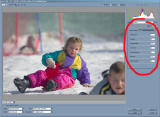
This is how you should input calibration data from the table. In ACR select "Calibrate" menu and insert seven values from the table bottom (red numbers). You can save this as your default conversion set: "Settings-->Custom-->Save New Camera Raw Defaults".
All photos are copyrighted and may not be reproduced or distributed without the expressed, written consent of the author.
| comment | |