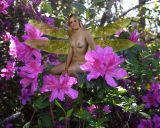
Click on the “eye-ball” on the background to once again make it visible. One at a time, highlight each wing to the right layers box and click on “Layer” at the top. When “Layer” is open, go down to where you see “Layer Style”, and then choose the first control called “Blending Options”. Change the opacity for each wing to around 50 percent or so until the wing is as translucent appearing as you want it to be. When each wing image looks appropriately translucent, click on “OK” to close the window.