


|
|
|
|
|
|
|

| |
Duplicate the background image layer for blurring.
Create a layer mask of the two figures on the blur layer to reveal the sharp base image
Use the smudge tool on the blurred layer to push the blurring halos behind the mask
Add a curves adjustment layer for a little color warming and a PWL layer for vignette.
forum discussion: http://forums.dpreview.com/forums/read.asp?forum=1006&message=27302372&changemode=1
original image by Ron Trees: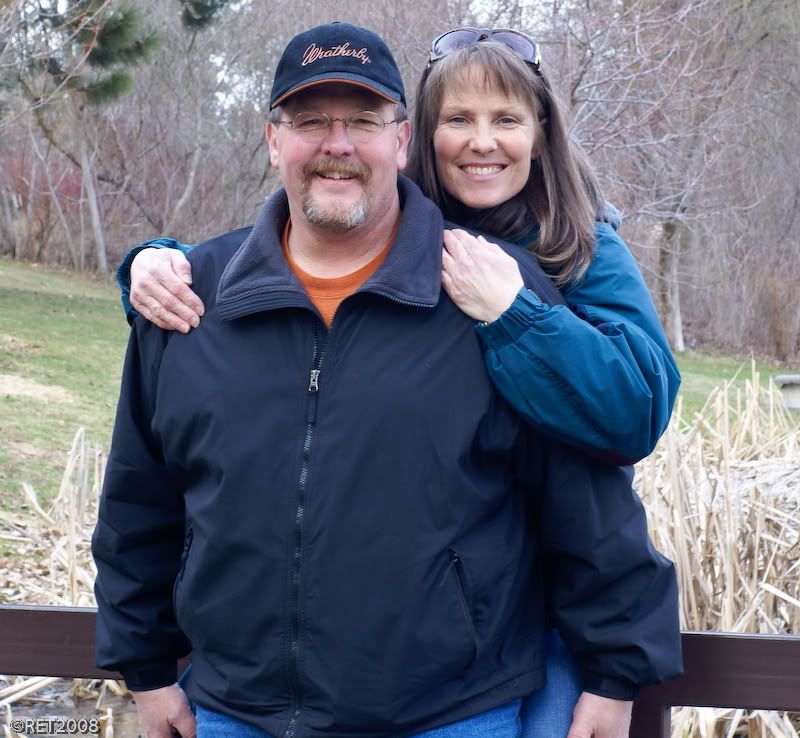
© Joseph E. Filer