


|
|
|
|
|
|
|

| |
1. Place the new (darker) sky layer on top of the layer stack.
2. Change the layer blending mode to multiply or darken (check both for best effect)
3. Instead of using a selection, add a (conceal all) layer mask to the sky layer and use a black brush on the mask to paint in the dark sky. Slight overlap into the buildings or trees will most likely go unnoticed and you can zoom in to make corrections. Finally, can try adding a SMALL blur to the mask to see it improves the layer blending. Most likely, you won't need it.
You could also duplicate a layer of the darker sky, flip vertically, resposition as necessary and use a fresh mask to add some reflections in the river.
forum discussion: http://forums.dpreview.com/forums/read.asp?forum=1006&message=24623341
original image by eagle_cfc: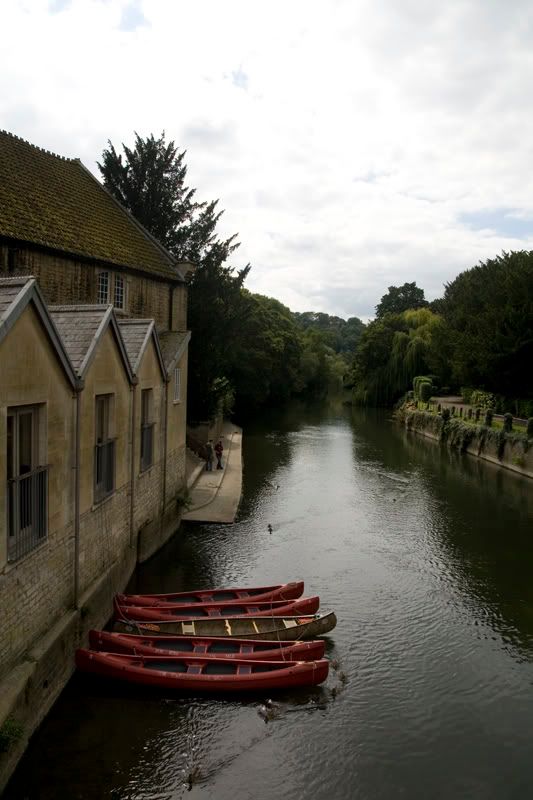
© Joseph E. Filer