


|
|
|
|
|
|
|
| |
| 24-AUG-2007 | |
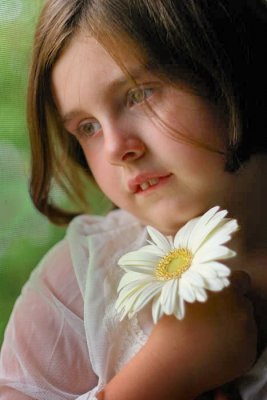
Apply the CEP Grad ND Filter. This filter was rotated to slightly darken the lower left area of the image. I'm trying to emphasize the face and not have viewer's eye's wandering too close to the frame's edges. This corner needs to be a little darker to balance the dark upper right.
Copyright 2002-2007 Ed Knepley
| comment | |