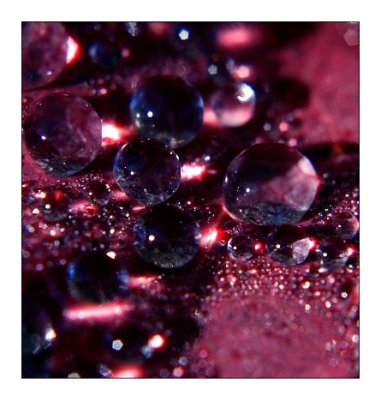
This is more what I had in mind. I copied the background layer to a
new layer (Ctrl-J) and applied contrast sharpening of 15-85-0, and
changed the blend mode at the top left of the layers palette from
"Normal" to Luminosity. I used a Color Balance adjustment layer to
increase the blues and decrease the reds by about 15% for each. Then a
Hues and Saturation layer to bump the saturation 5% or so. I also
used a Curves adjustment layer by moving the line at the first bottom left
quadrant intersection up just a touch, and again up at the last intersection
at the top right--just a very slight amount. And lastly I sharpened for the
web (100-0.3-0--a bit more than I would normally use) and converted to sRGB.