


|
|
|
|
|
|
|
| |
| 16-SEP-2006 | Greg20 |
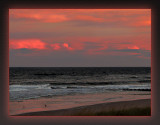
Duplicate Background layer and set to Multiply.
Adjust layer's opacity if needed.
Apply "S" curve in a Curves Adjustment layer.
Paint With Light.
Frame optional.
All images are copyright protected by their owners as indicated. Please respect. Thank you.
| comment | |