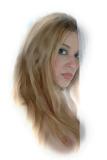
For this image, I simply created a duplicate layer of the finished image, then went to Filter-Brush Strokes-Crosshatch and set the options at Stoke length 9, Sharpness 6, and Strength 1. I then took my eraser tool and clicked one time on her eyes and face and one time on her breast. Merge the layers and you’re done. You can experiment with all different kinds of brushes, textures and tools using this same basic meathod of duplicating the layer, applying an effect and then selectively erasing away the effect where you need / want to.