


|
|
|
|
|
|
|

| |
To make composites from several images, it is important to have the non-changing elements exactly in register: Put camera on tripod and use manual settings so that exposures won't change.
Shift/drag all images onto one so that each is a separate layer. They should be in perfect register.
Then add black layer mask to each added layer and reveal the desired subject with a white brush.
In this example, there was substantial movement of the bikes and a color shift on the center image layer.
The yellow circle shows one area where the bike wheels don't match.
forum thread http://forums.dpreview.com/forums/read.asp?forum=1006&message=20723032
1 of 3 original images by Scott (sgiza30)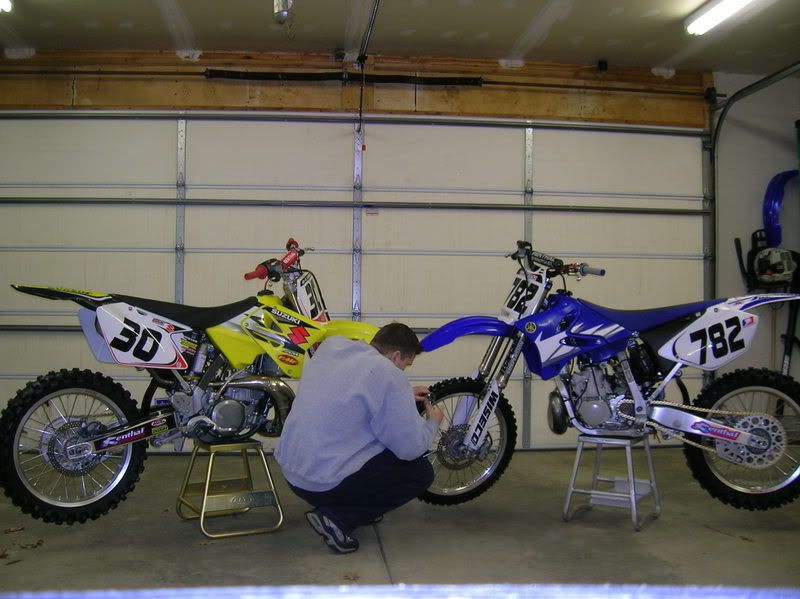
© Joseph E. Filer