photo sharing and upload picture albums photo forums search pictures popular photos photography help login
creativematrix | all galleries >> Small Tutorials >> Ditherbox Textures in Photoshop > Step 5
previous | next

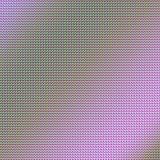
Step 5

I duplicated the previous layer. Rotated 90 deg and set this layer to Hard Light with 50% opacity to allow the previous layers to show through.


other sizes: small medium original auto
comment | share